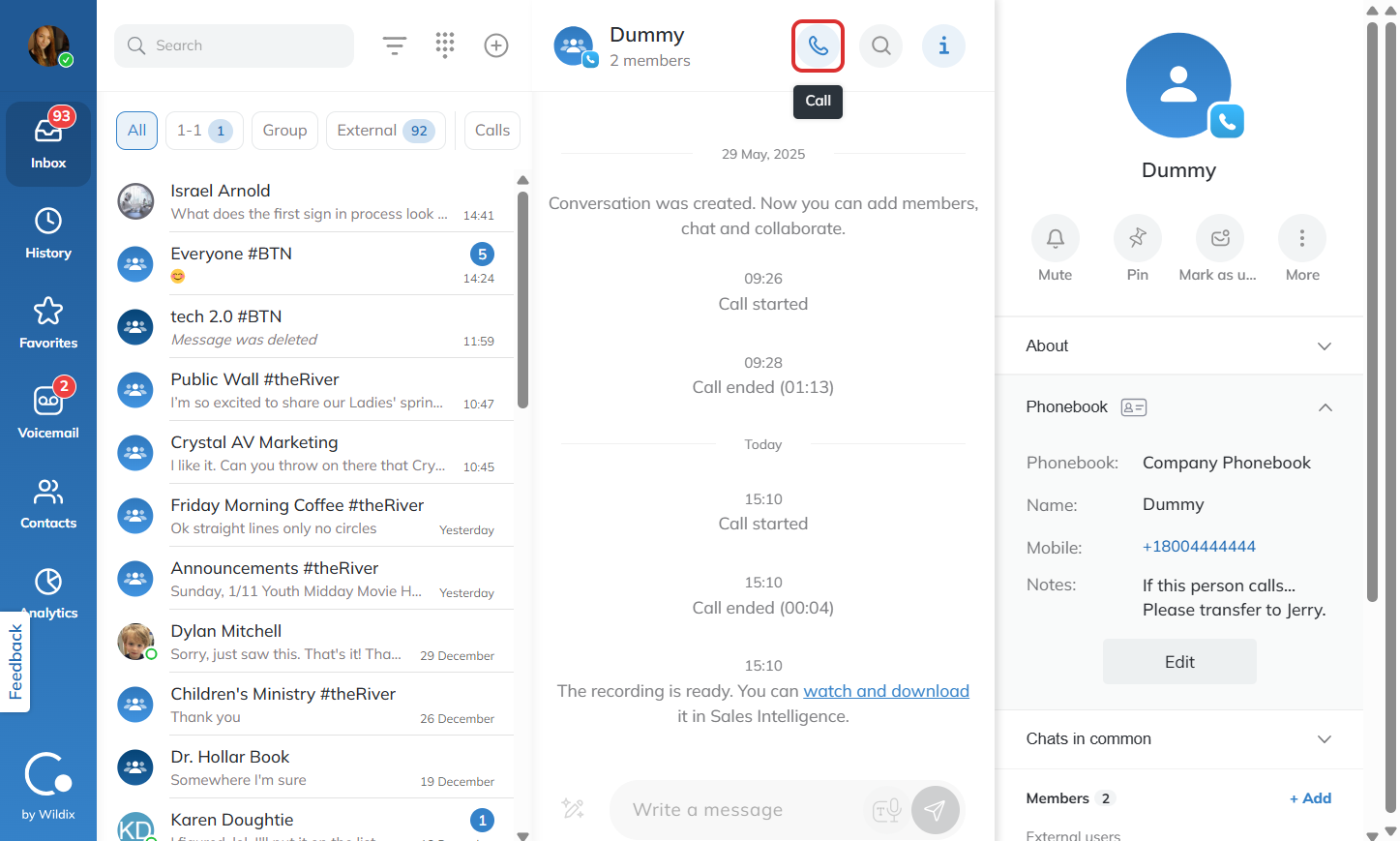
How do I make a call on Collaboration?
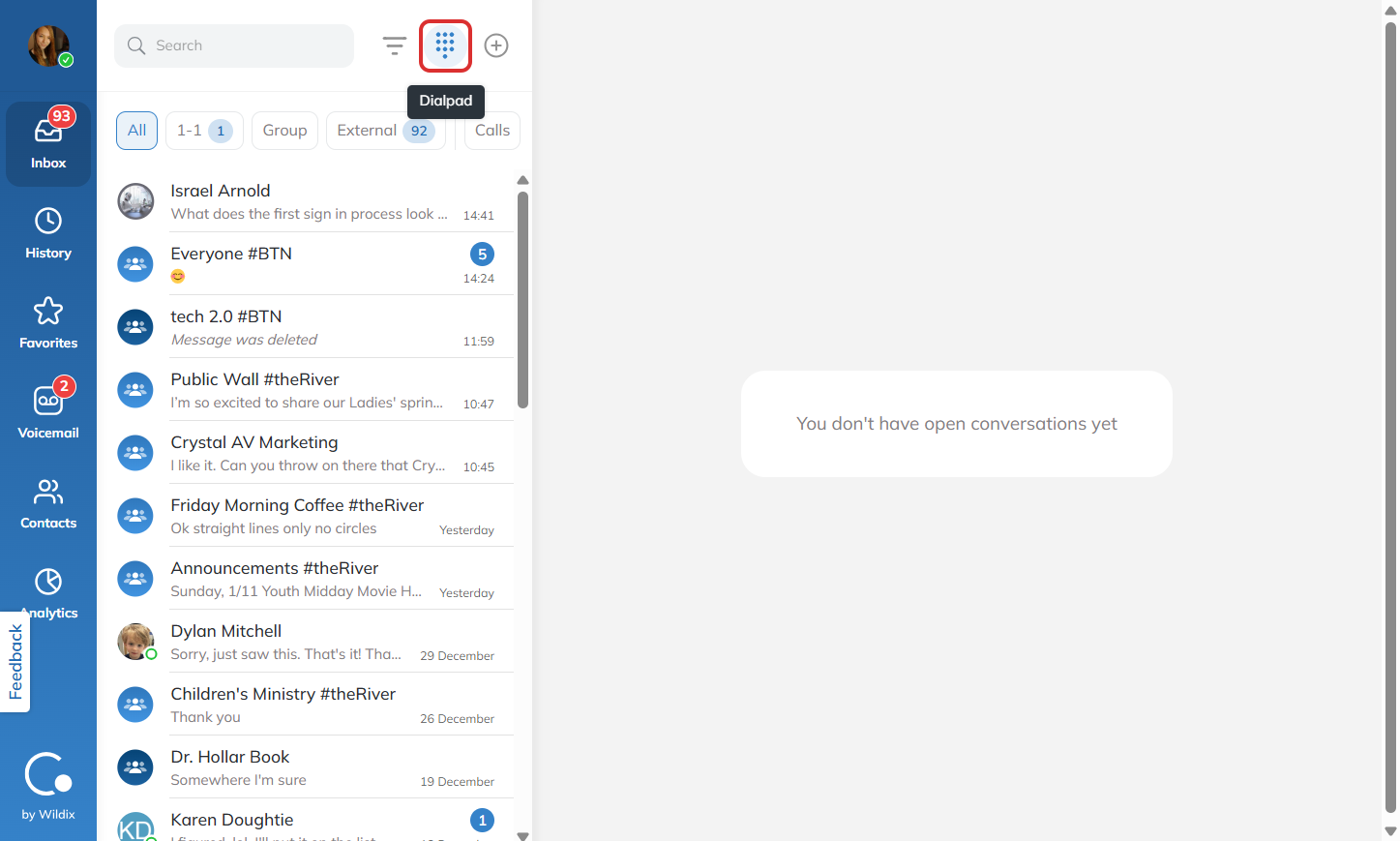
To make a call in Collaboration, start by pressing the keypad.
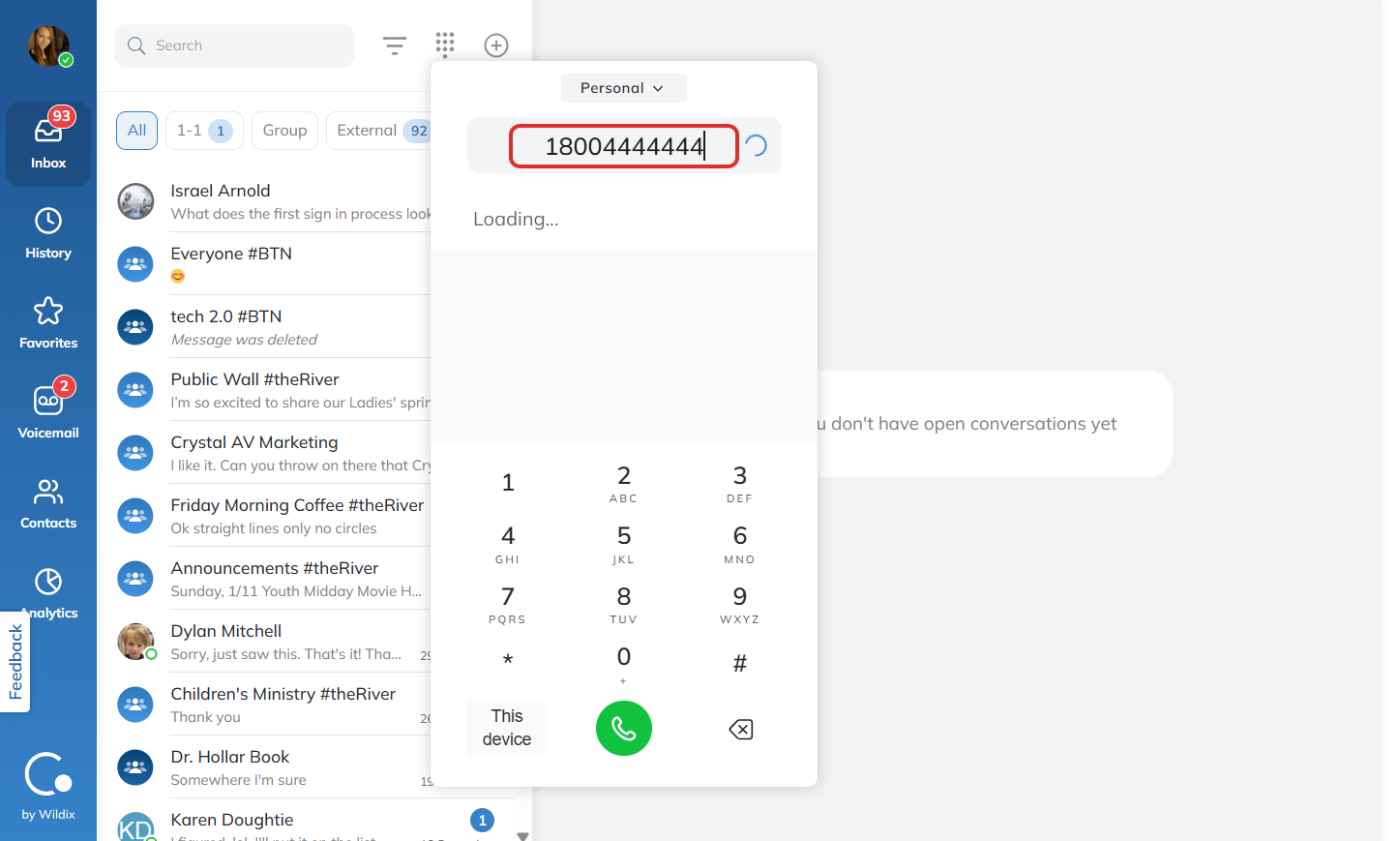
Then, you can enter in the number you would like to call.
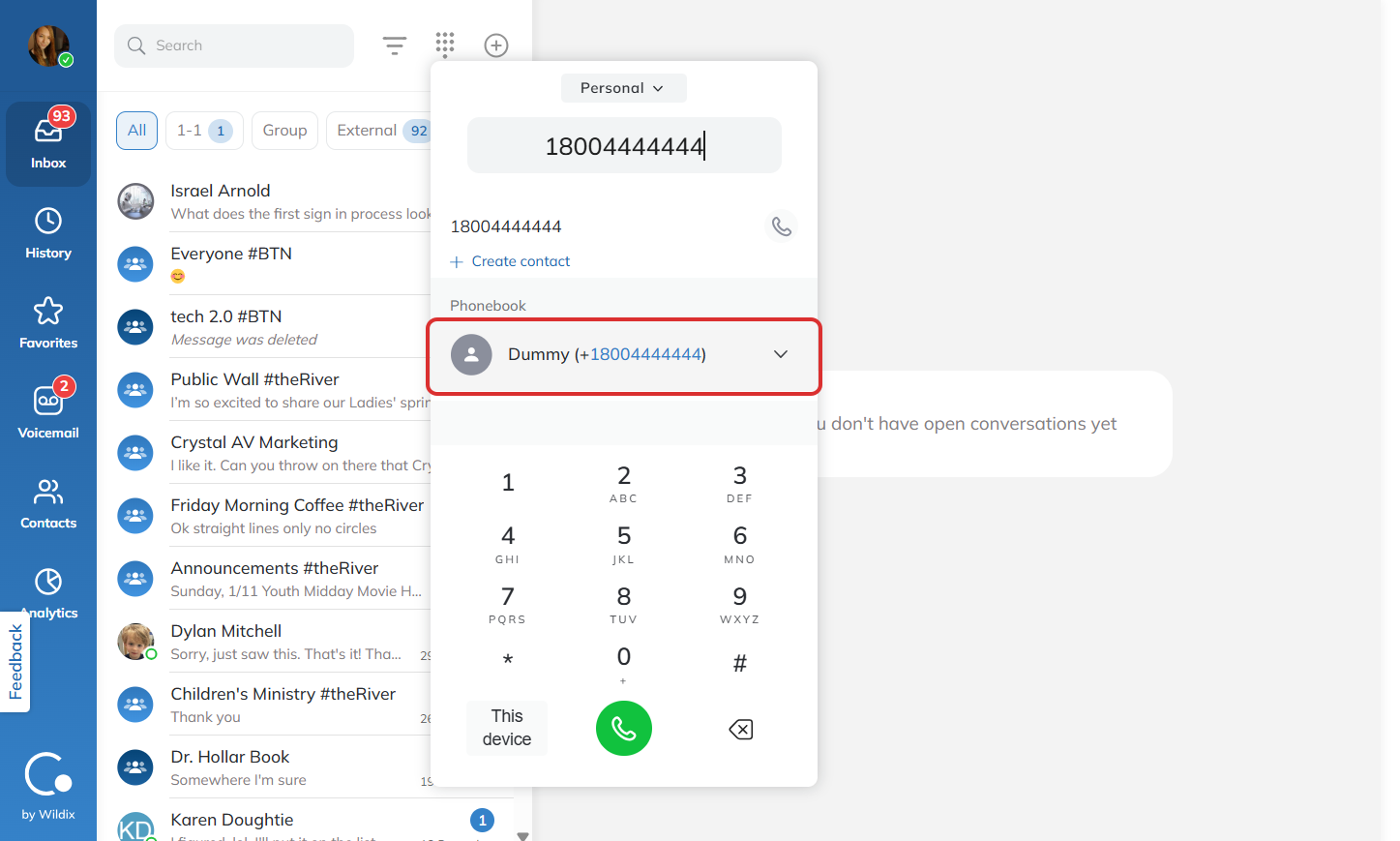
If a contact appears, you can click on their name to call them or press the green button under the keypad like you would on a call from your cell phone.
When you are ready to end the call, simply press the red button.
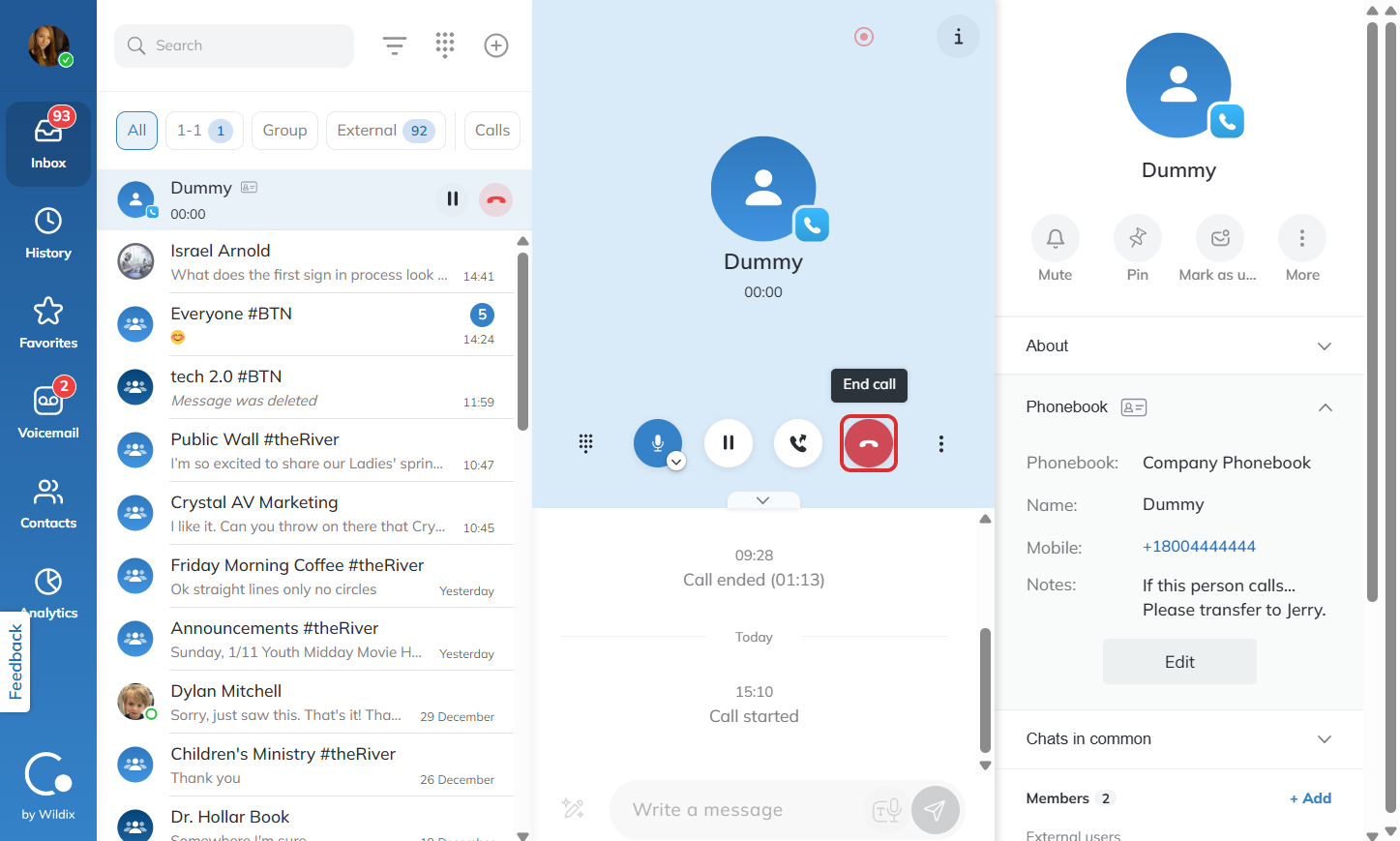
You can also call a contact who is already on you list of conversations by simply opening the conversation and pressing the call button on the top of the screen.