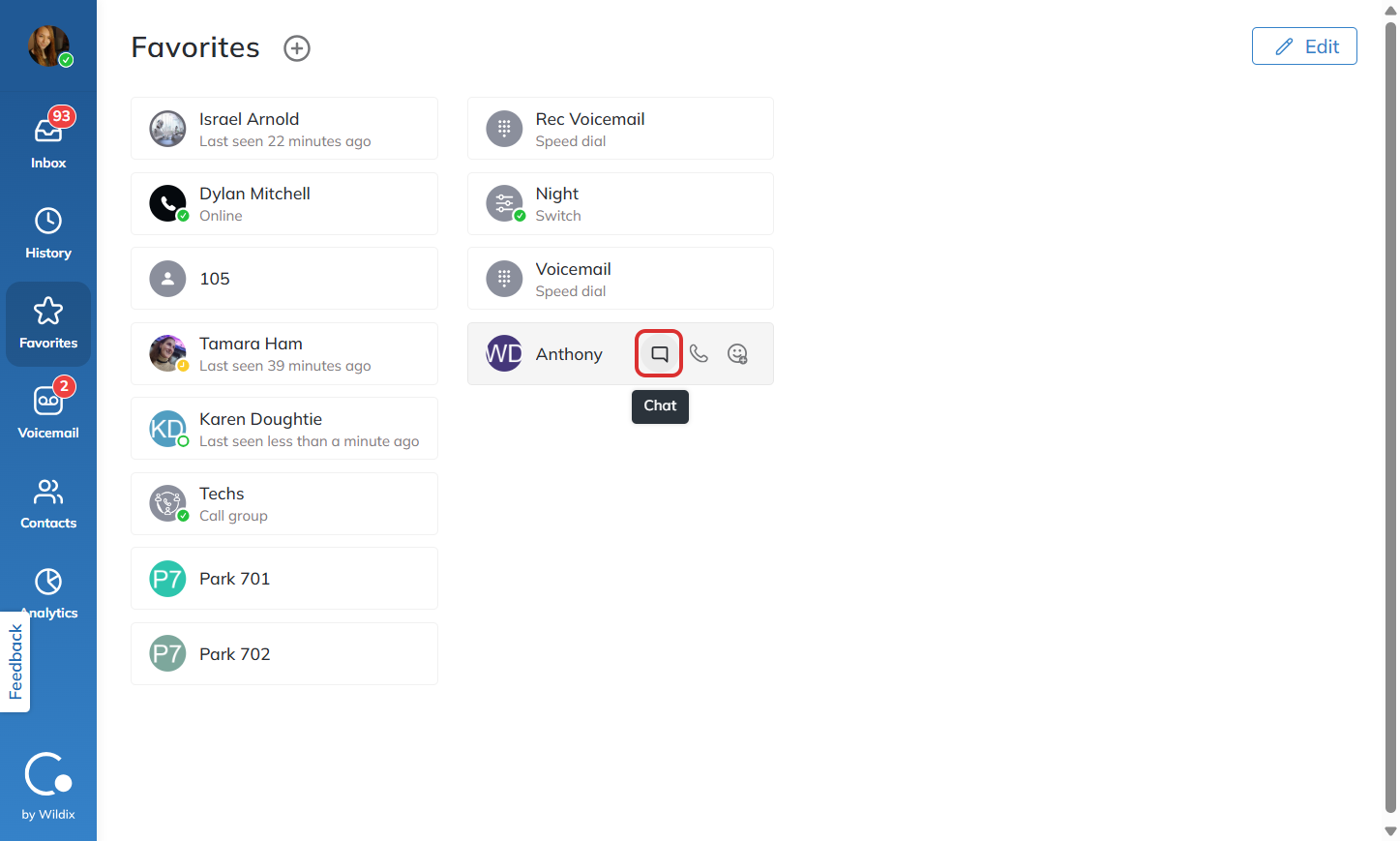
How do I use Collaboration’s favorites feature?
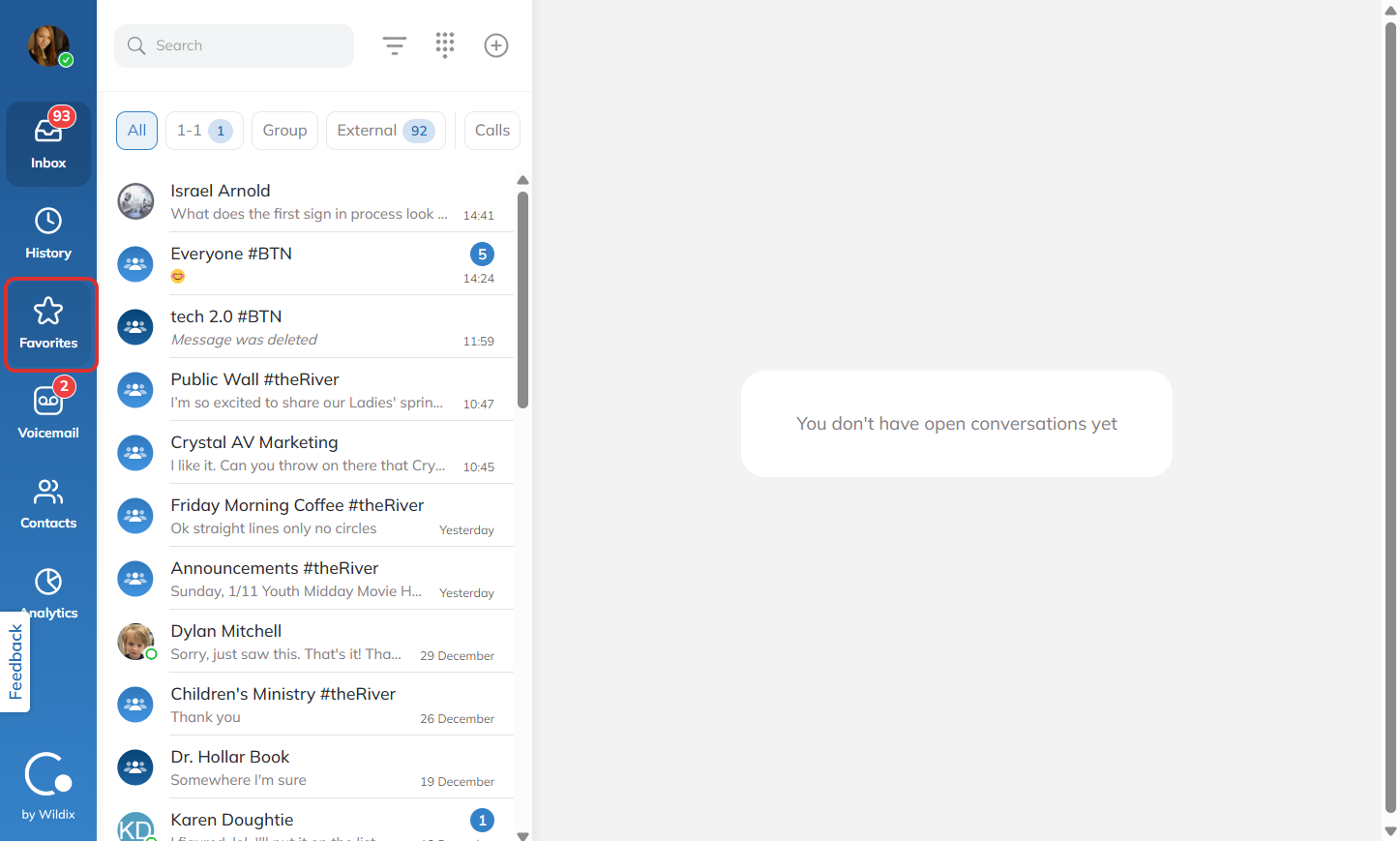
Click on the Favorites tab in Collaboration to view your saved contacts.
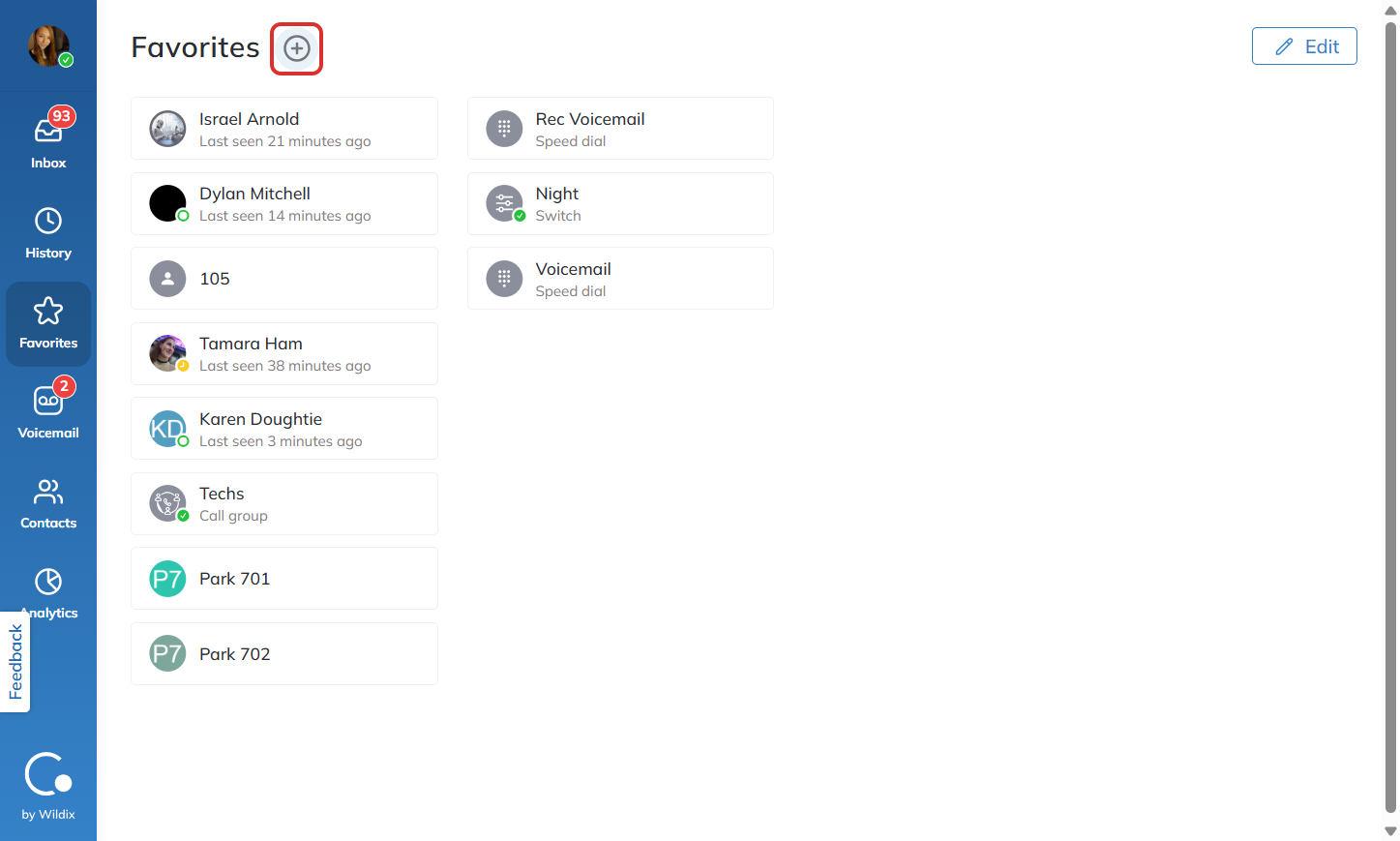
If you wish to add a new contact to your favorites list, click the + near the top of your screen.
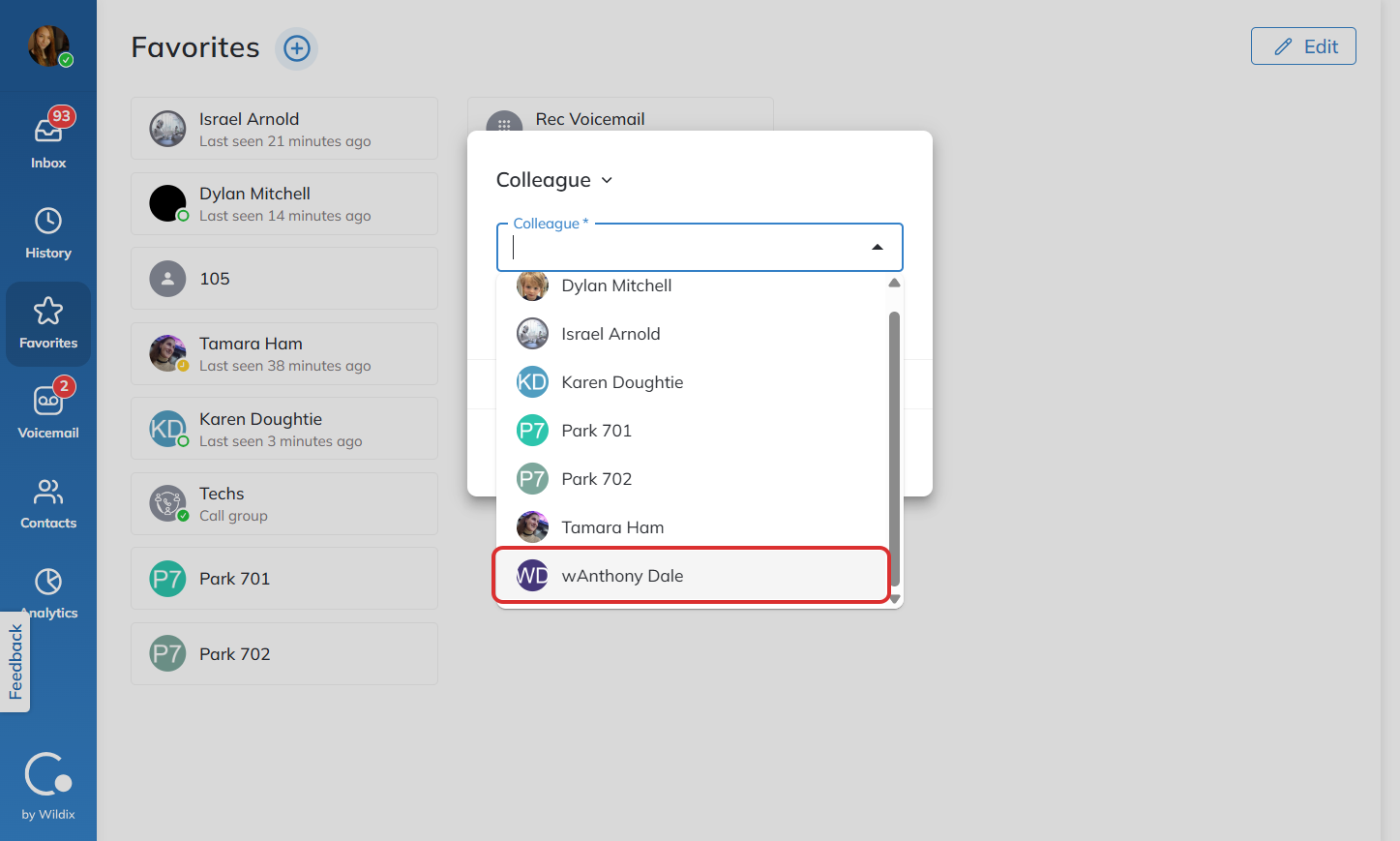
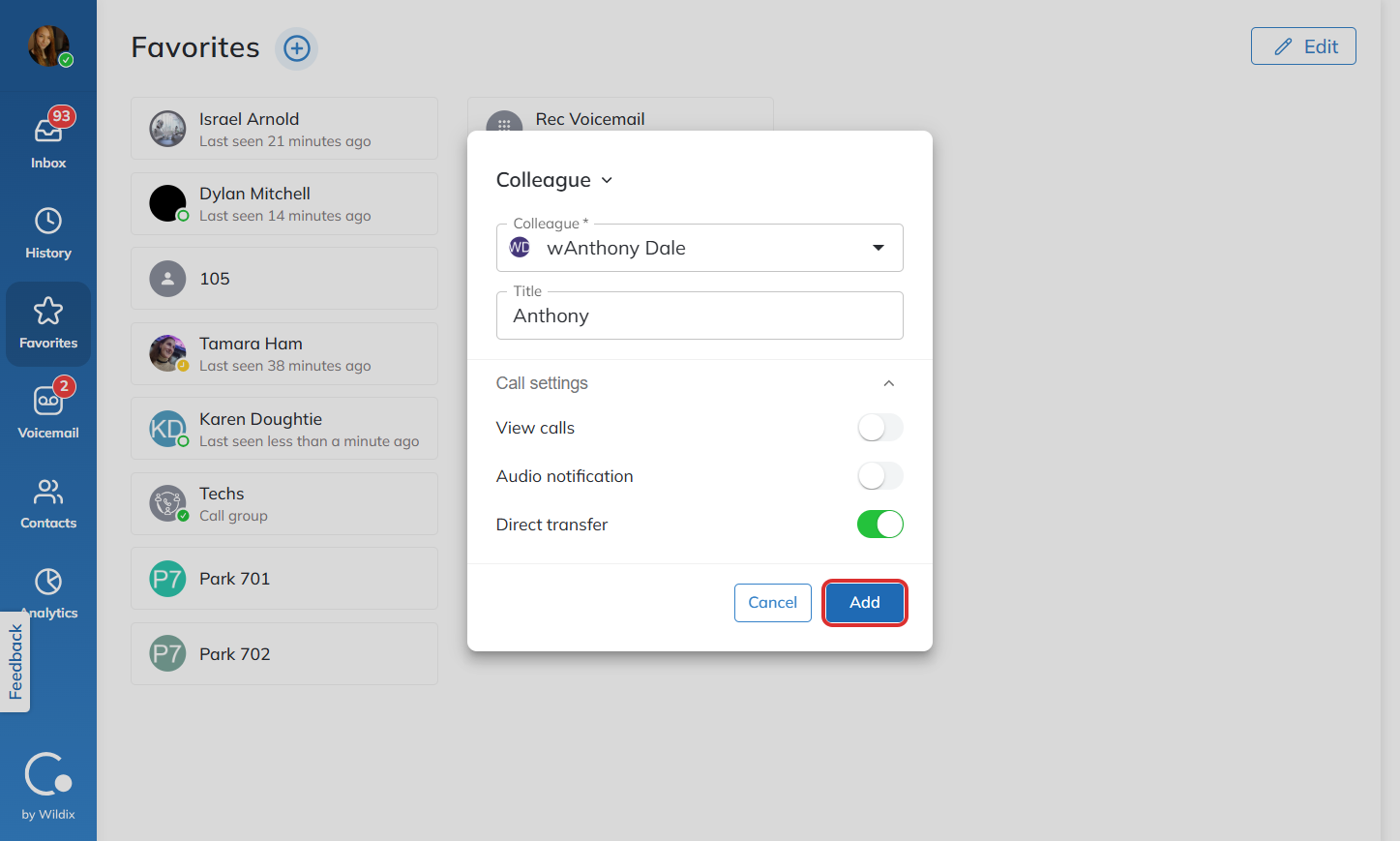
Click the dropdown to view which colleagues you can add to your favorites list.
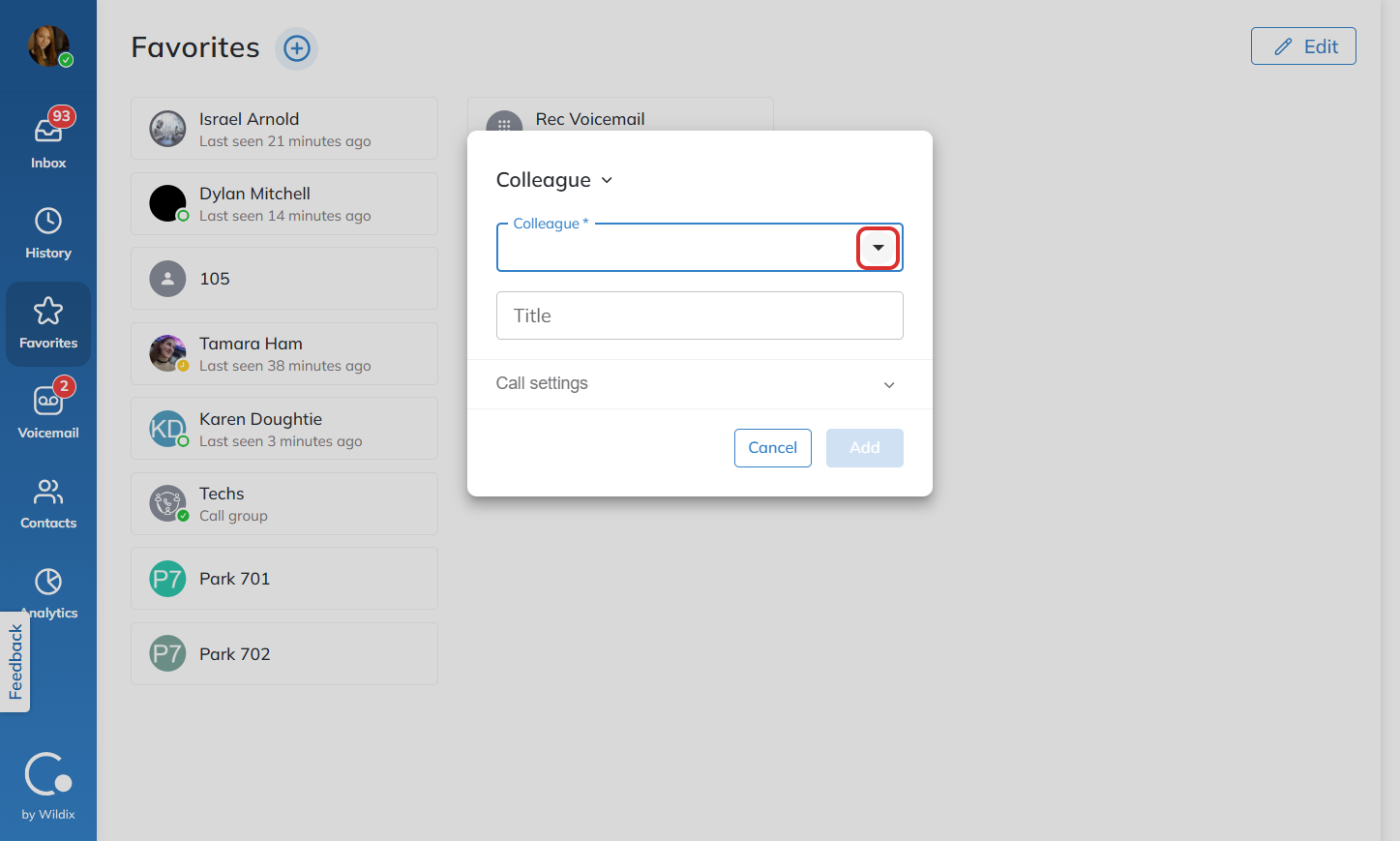
Click on the name of the colleague you would like to add.
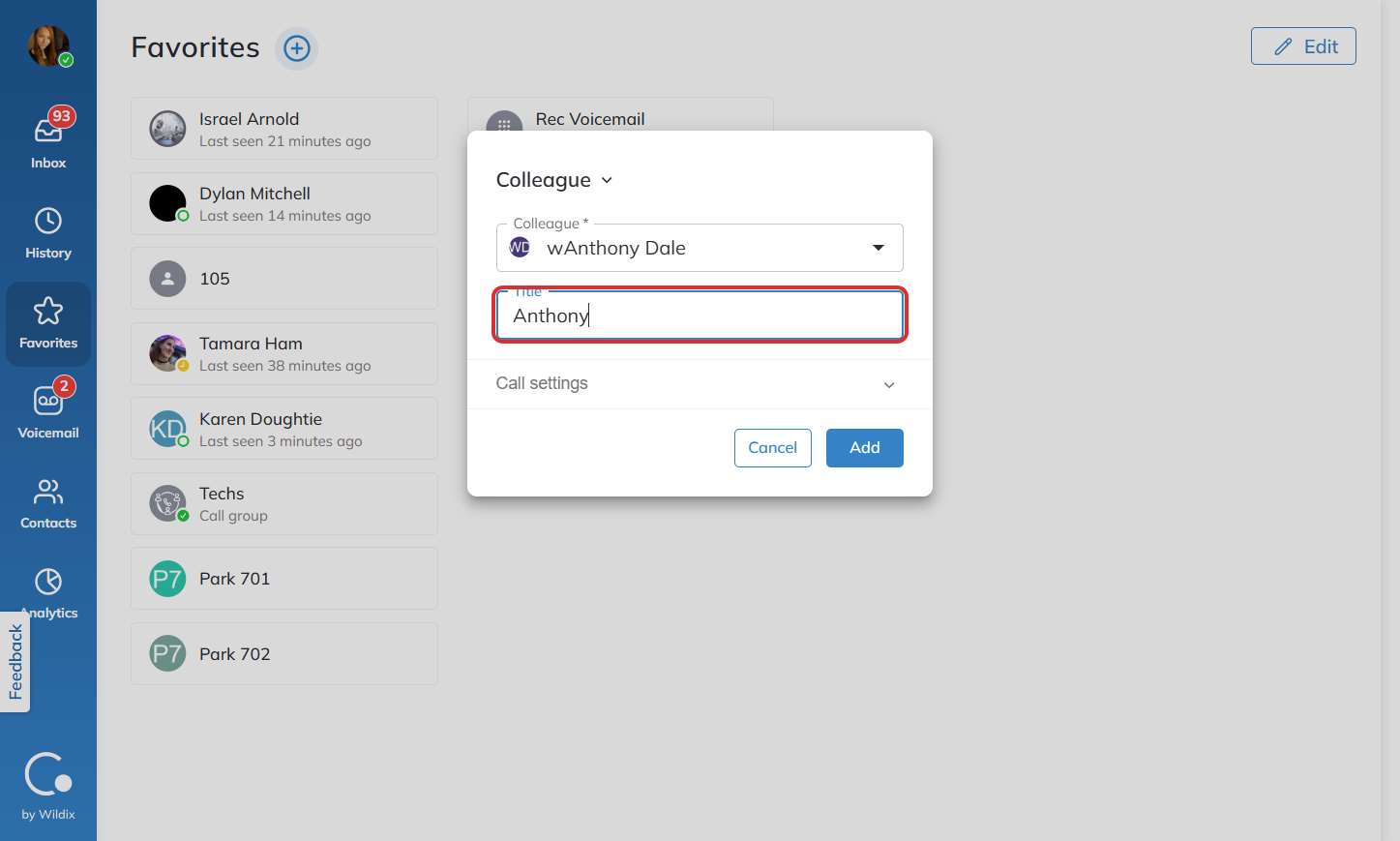
Enter the name you would like to see them as in your favorites tab.
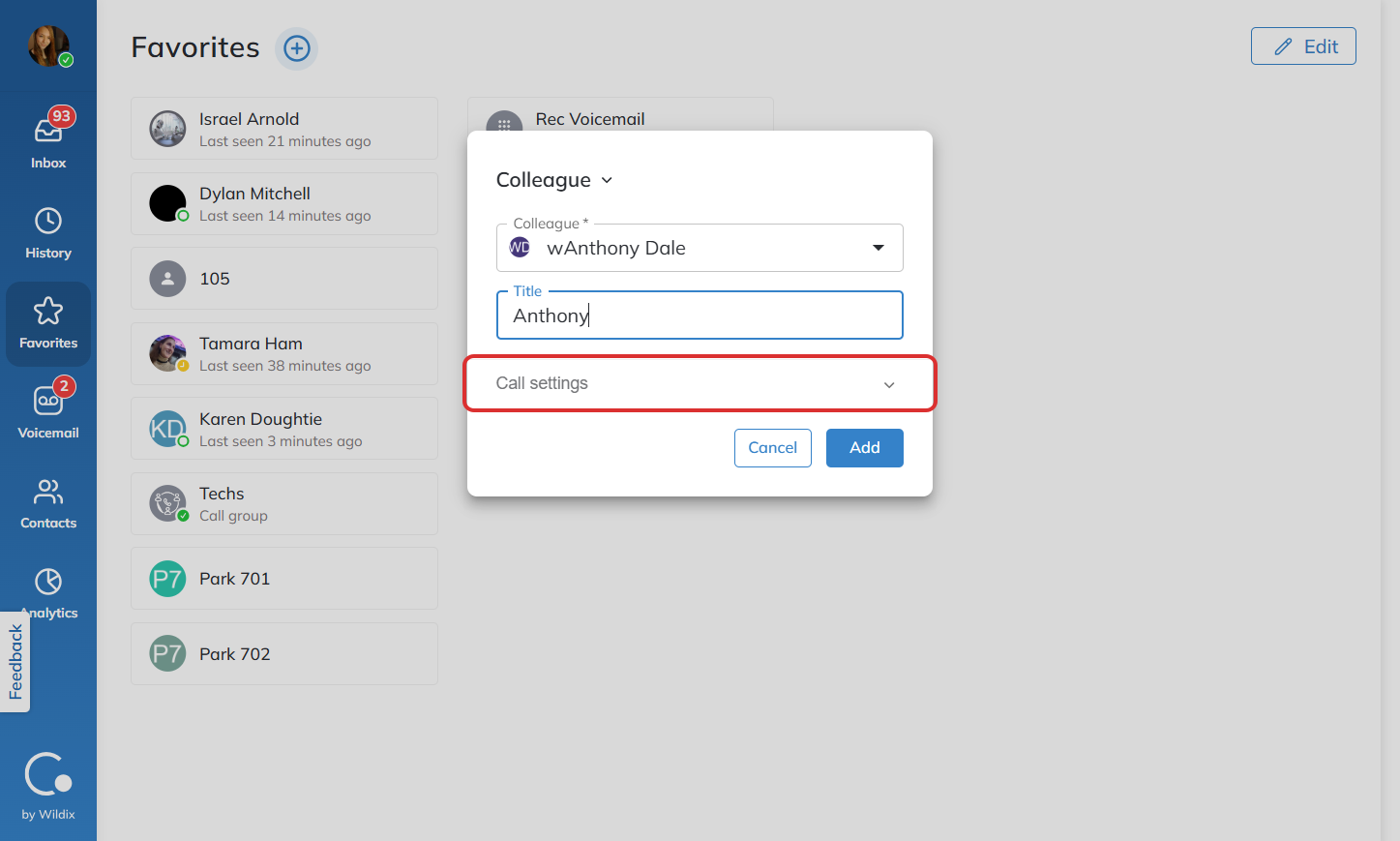
Adjust call settings as needed.
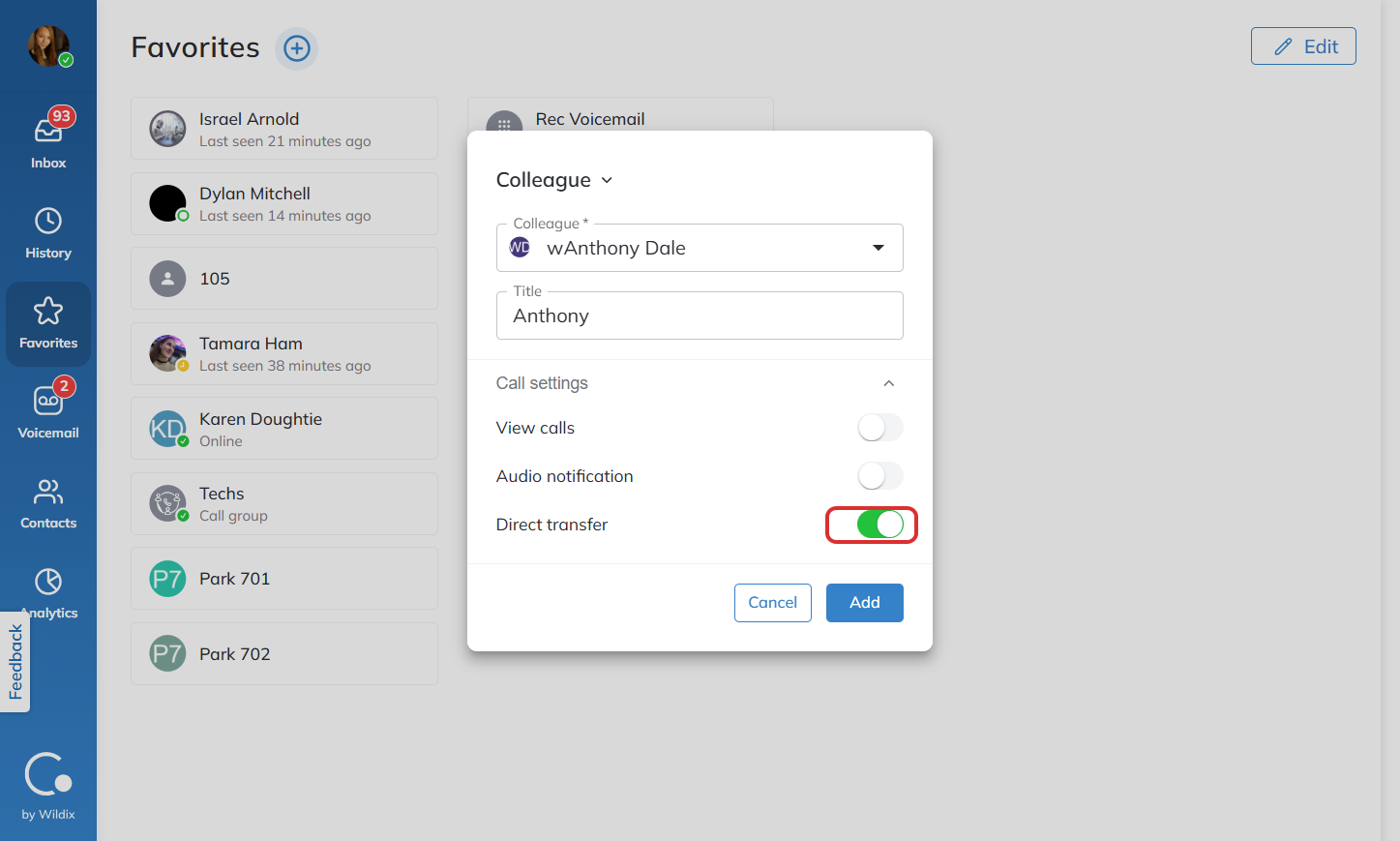
Click “Add” to complete the process.
Once a contact is added to your Favorites list, you can easily call or text them using the icons beside their name.