
How do I sign in to Collaboration for the first time?
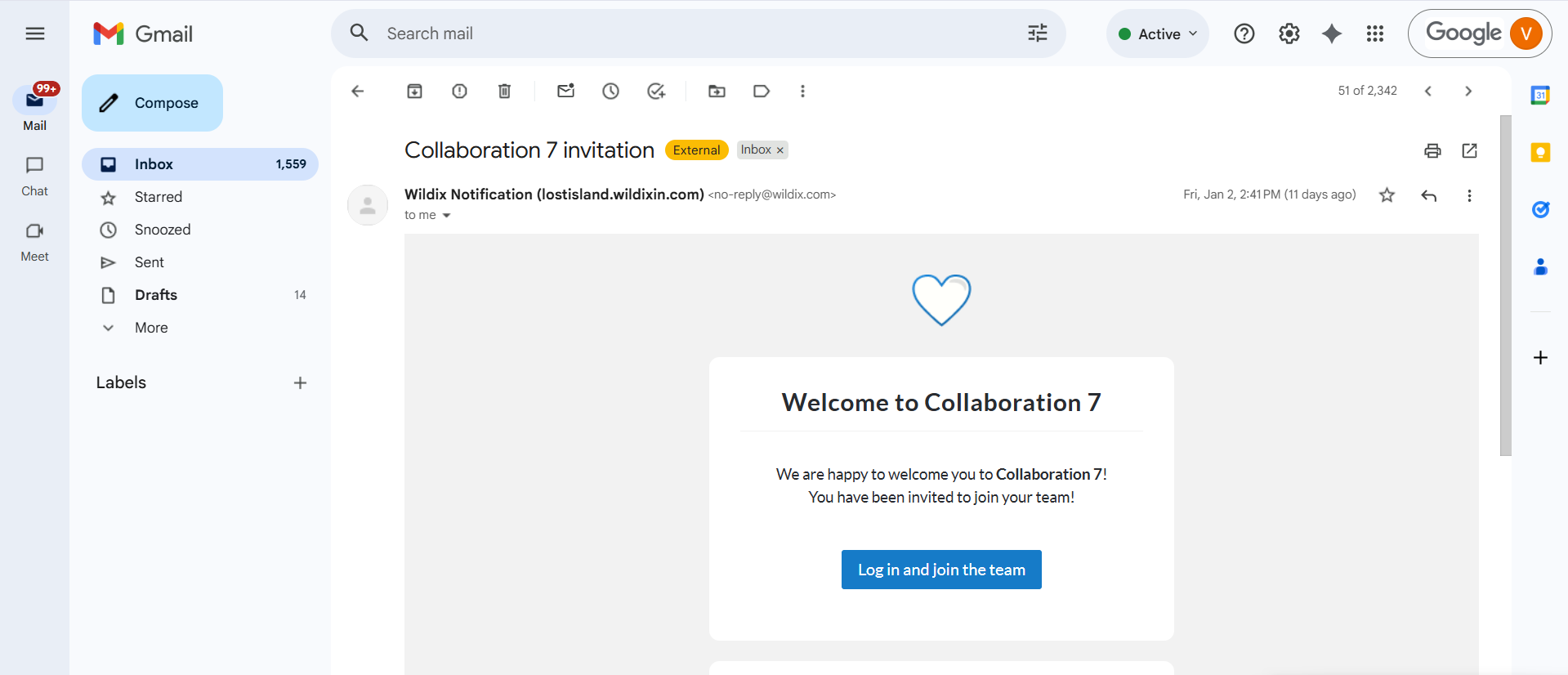
If it is your first time logging into Collaboration 7.0, you should have first received a welcome email from Wildix. Click the “Log in ad join the team” button.
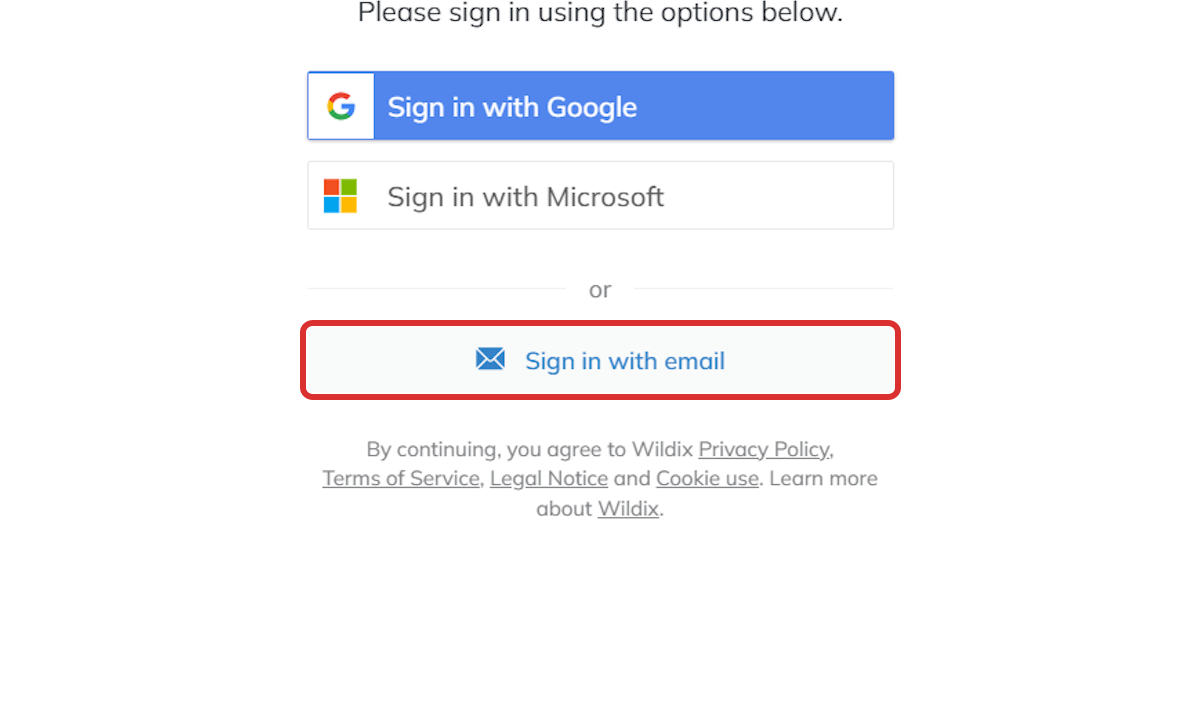
This link will take you straight to the Collaboration login where you will sign in with your email.
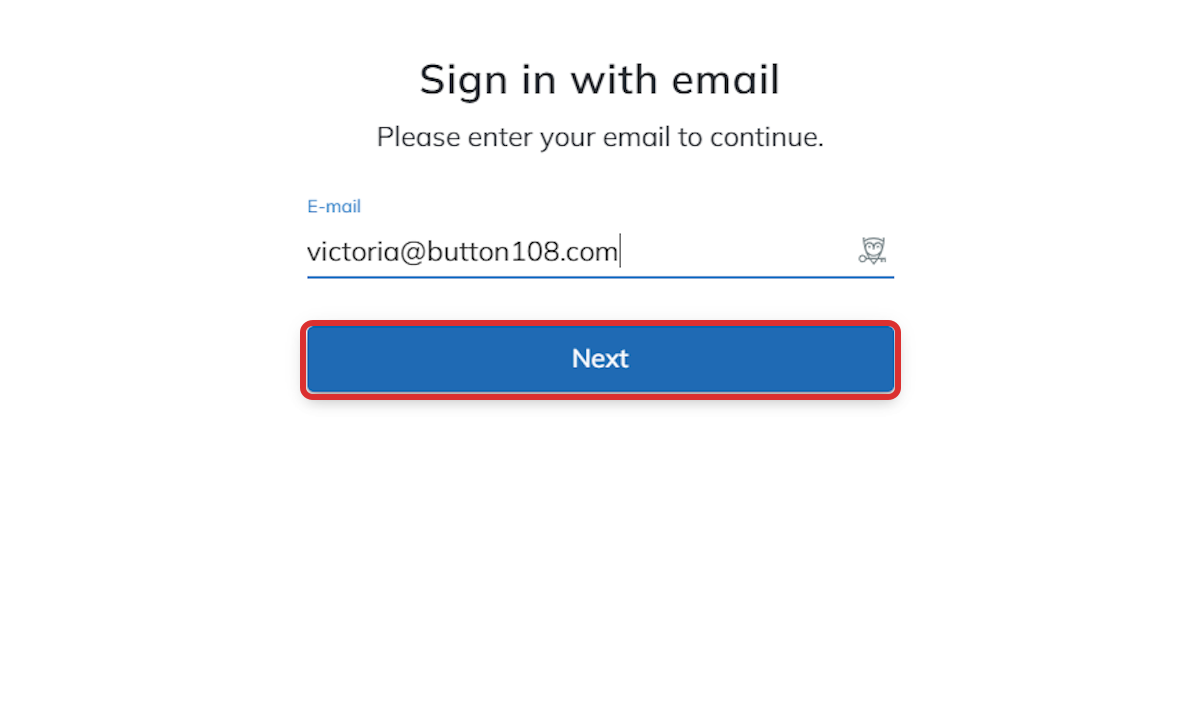
Simply enter the email you use with your organization and click next.
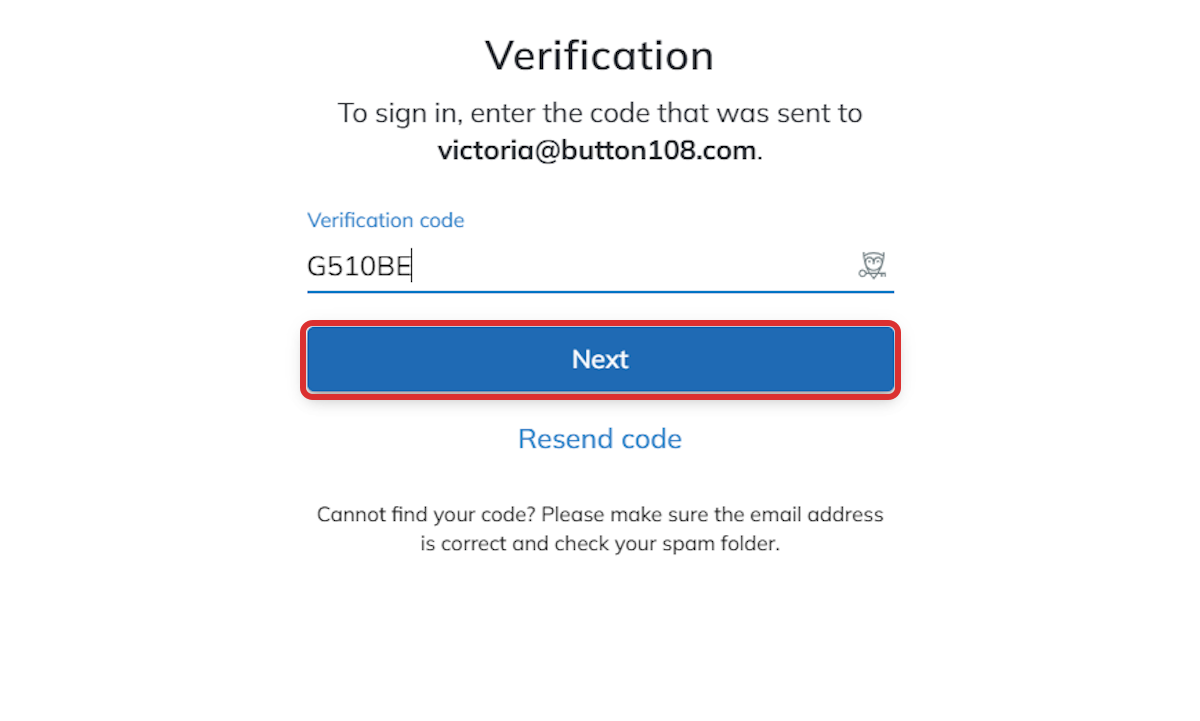
You will then receive a verification code through that same email and can enter it in the next step.
After that, you are logged in and ready to use Collaboration!
